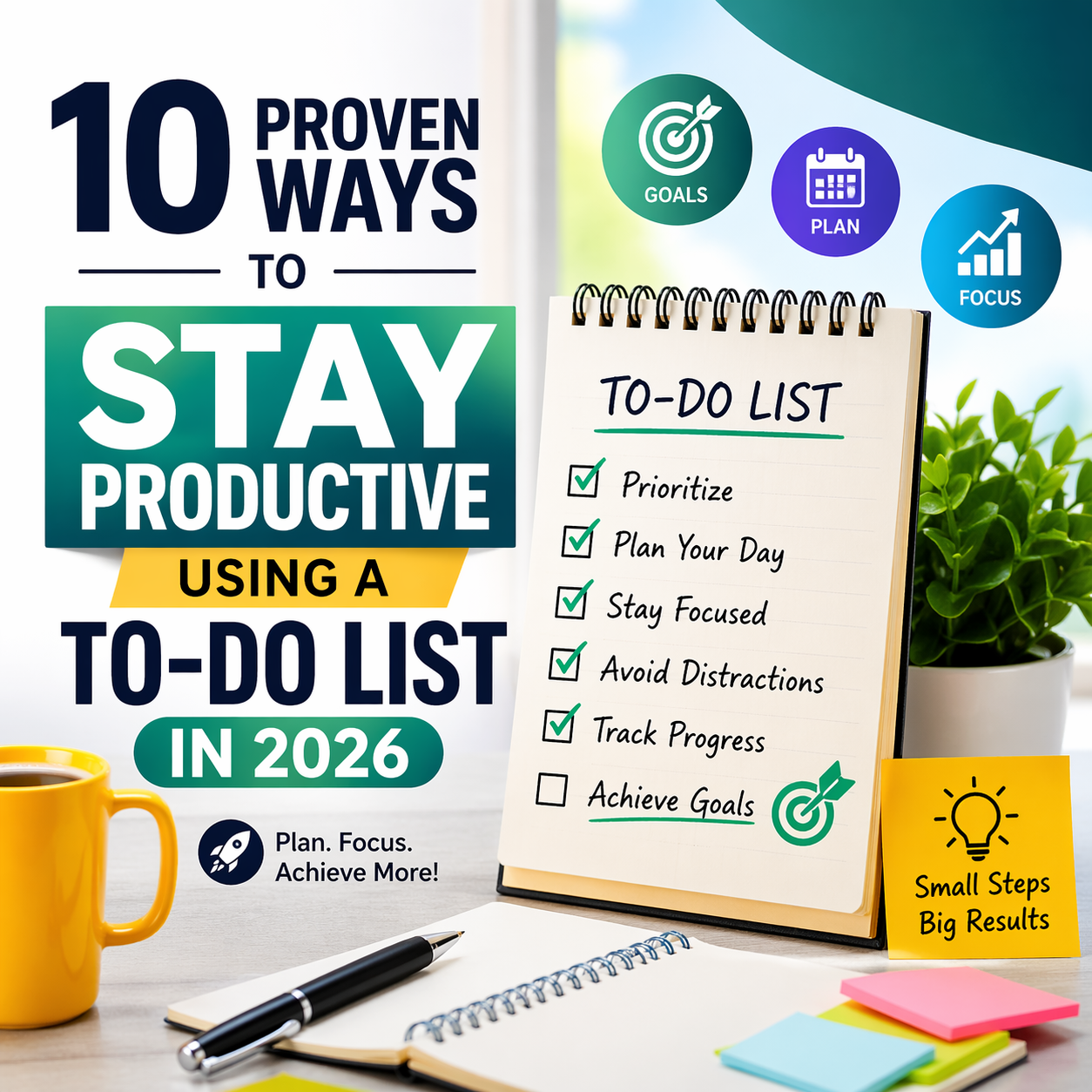
10 Proven Ways to Stay Productive Using a To-Do List in 2026
10 Proven Ways to Stay Productive Using a To-Do List in 2026
In the ever-evolving professional world of 2026, where AI tools and remote collaboration dominate, one timeless strategy continues to deliver extraordinary results: mastering your to-do list. Whether you’re a freelancer juggling client projects or a team leader balancing multiple deadlines, a well-structured to-do list keeps chaos at bay and momentum high. This guide reveals 10 proven ways to stay productive using a to-do list in 2026, with practical insights tailored for modern workflows.
You’ll discover how digital tools amplify focus, and we’ll explore how pairing your to-do list with powerful invoicing solutions like BillQueue—the leading invoice billing generate application—transforms admin tasks into seamless productivity wins. From overcoming Excel limitations to enjoying sleek, professional automation, BillQueue empowers international clients with smart features that free up hours for high-value work. Let’s dive in and unlock your most productive year yet.
Why To-Do Lists Power Productivity in 2026
Despite flashy new technologies, the humble to-do list remains the foundation of high performance. It provides clarity amid information overload, reduces decision fatigue, and creates a satisfying sense of accomplishment. When integrated with modern platforms like AcuteTaskPro, your to-do list becomes a dynamic command center. And for billing-heavy roles, BillQueue takes it further by linking completed tasks directly to professional invoices.
The 10 Proven Ways to Stay Productive Using a To-Do List in 2026
1. Choose the Right Digital To-Do List Tool
Start strong by selecting an intuitive platform designed for 2026 workflows. AcuteTaskPro’s free online to-do list offers kanban boards, smart notes, and instant task tracking without any signup. Its clean interface keeps you in flow state, making daily planning effortless.
2. Prioritize Tasks Using the Eisenhower Matrix
Sort tasks into urgent/important quadrants within your to-do list. This method ensures high-impact activities come first, preventing last-minute scrambles. In 2026, many professionals combine this with AI suggestions for even sharper focus.
3. Break Large Projects into Actionable Steps
Transform overwhelming goals into bite-sized tasks. A to-do list shines when entries are specific and achievable, boosting motivation through quick wins.
4. Set Realistic Deadlines and Time Estimates
Assign clear deadlines and duration estimates to every item. This builds accountability and helps you spot potential bottlenecks early.
5. Conduct Daily and Weekly Reviews
End each day with a quick review and plan tomorrow. Weekly reflections reveal patterns, allowing you to refine your approach continuously.
6. Practice Time Blocking Directly in Your List
Block calendar time for focused work on specific to-do items. This technique protects deep-work sessions from interruptions.
7. Limit Daily Tasks to Avoid Overwhelm
Cap your active list at 5–7 key items. This keeps energy high and prevents the paralysis that comes from endless lists.
8. Use Tags and Categories for Smart Organization
Tag tasks by client, project, or energy level. In 2026, advanced filters make retrieval lightning-fast.
9. Automate Repetitive Tasks with Integrated Tools
Link your to-do list to automation platforms. For billing workflows, this is where BillQueue truly shines.
Supercharge Billing Productivity with BillQueue
The BillQueue invoice billing generate application is a game-changer for professionals who want to stay productive using a to-do list in 2026. Its sleek, smart, and professional UI/UX design feels intuitive for international clients, with modern dashboards that look premium on any device. Major advantages include instant invoice creation from completed to-do tasks, automated recurring billing, real-time payment tracking, and secure client portals. No more manual Excel spreadsheets—BillQueue eliminates errors, speeds up cash flow, and delivers polished, branded invoices in seconds.
Key Features & Functions of BillQueue:
- One-click invoice generation directly from AcuteTaskPro to-do completions
- Multi-currency and tax-compliant templates tailored for global clients
- Automated payment reminders and overdue alerts
- Comprehensive expense logging and detailed financial reports
- Role-based access: Admin (full control), Accountant (reporting), Team Member (task-linked billing), and Client Viewer (secure portal)
- Seamless cloud sync and mobile-first design
By handling invoicing automatically, BillQueue frees your to-do list for creative and strategic work—truly elevating productivity.
10. Track Progress, Reflect, and Adapt with Data
Use built-in analytics to review completion rates. In 2026, AI-powered insights help refine your to-do habits over time.
Excel vs Invoicing Software: Pros and Cons
Many professionals still rely on spreadsheets for billing, but the comparison with dedicated invoicing software like BillQueue is revealing. Here’s a clear breakdown:
| Aspect | Excel | BillQueue Invoicing Software |
|---|---|---|
| Speed of Invoice Creation | Manual and time-consuming | Instant, one-click generation |
| Error Risk | High (formulas can break) | Zero with automation |
| Professional Appearance | Basic and generic | Sleek, branded templates |
| Collaboration & Roles | Limited sharing | Multi-role access (Admin, Accountant, Team, Client) |
| Payment Tracking | Manual updates required | Real-time automated alerts |
| Scalability for International Clients | Poor (multi-currency issues) | Excellent with global support |
| Integration with To-Do Lists | None | Seamless task-to-invoice flow |
BillQueue clearly outperforms Excel by saving hours weekly and delivering a premium experience that impresses international clients.
Ready to elevate your productivity?
Start with a powerful to-do list at AcuteTaskPro and pair it with BillQueue for effortless billing. Your most productive year is just one smart list away.
Final Thoughts: Make 2026 Your Most Productive Year
These 10 proven ways to stay productive using a to-do list in 2026 provide a complete framework for success. By adopting digital tools like AcuteTaskPro, implementing smart habits, and leveraging BillQueue’s advanced invoice billing generate application, you’ll reclaim hours, reduce stress, and achieve more than ever before. The sleek, professional design of BillQueue ensures every interaction feels effortless and premium—perfect for today’s global professionals.
Start small: open your to-do list today, prioritize three key tasks, and explore how BillQueue can automate your billing. The results will speak for themselves. Here’s to a focused, fulfilling, and highly productive 2026.